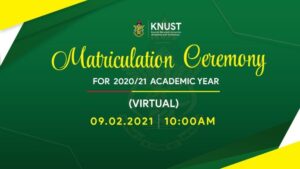
Management of the Kwame Nkrumah University of Science and Technology has resolved to hold a virtual matriculation ceremony for students admitted in the 2020/2021 academic year.

The decision to hold a virtual matriculation ceremony is a result of the surge in Covid-19 cases recorded in the country.
This year’s matriculation ceremony has been scheduled for Tuesday, February 9, 2021.
The programme starts at 10: 00 am and all first years will be required to participate in the ceremony via Youtube link.
Instructions on the Matriculation Oath
The matriculation Oath will be administered by the Registrar and will appear on the screen. Each student is required to tick the box provided at the end of the Oath and click on submit to indicate acceptance of the terms of the Oath.
Signing of Matriculation Register
Matriculation Registers will be provided at the college, and matriculants would have to sign the register after the ceremony in their respective colleges. In compliance with the protocol on social distancing, a schedule for signing the registers will be provided by the college.

Steps to Submit Matriculation Oath
1. Visit the KNUST Matriculation portal https://matriculation.knust.edu.gh
2. Login in with your username and password provided by the school.
3.Read the OATH carefully and ACCEPT.
4.Submit your OATH.
You are now recognized as student of the Kwame Nkrumah University of Science and Technology.
Follow @Thrillernewsgh and get notified with the latest campus updates.
Please I just logged in on the students portal to read the oath, accept and submit but it seems not to work.
It will begin tomorrow during the matriculation at 10: 00 am.