On Friday, October 1 2021, every new and existing SIM Card will need to be re-registered using the Ghana Card as announced and widely publicized by the National Communications Authority (NCA).
This is a move by the authority to have a centralized database of subscribers and to combat SIM boxing and other related infractions.
On the back of that, every subscriber will either need to visit a vendor to have his or her SIM cards re-registered using the Ghana Card or can get through the process by using the mobile phone.
For your information, each subscriber is allowed to register or re-register 10 SIM cards with the same Ghana Card.
How do I re-register my SIM Card using a Ghana card?
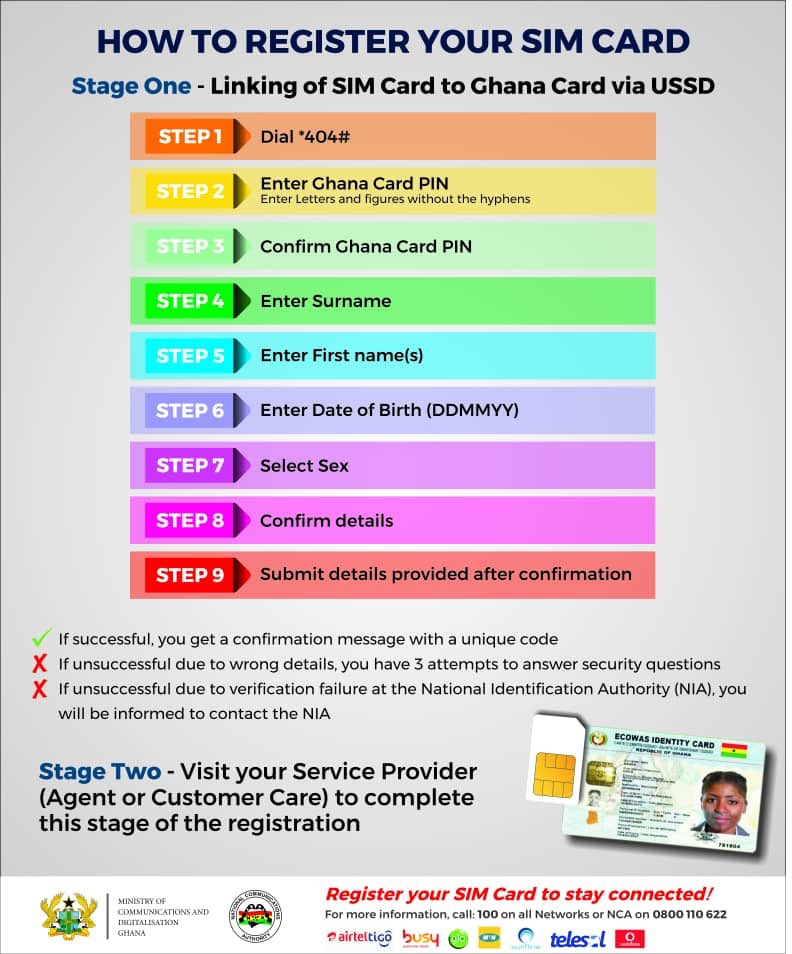
Follow these steps:
- Dial the short code *404#
- Enter Ghana Card Pin ( Note: Enter letters and figures without hyphens)
- Confirm Ghana Card Pin
- Enter Surname
- Enter First Name(s)
- Enter Date of Birth (Format: DDMMYYYY)
- Select Sex
- Confirm Details
- Submit Details Provided After Confirmation
Note:
1, If successful, you will get a confirmation message with a unique code
2, If unsuccessful due to wrong details, you have 3 attempts to answer security questions
Follow @Thrillernewsgh